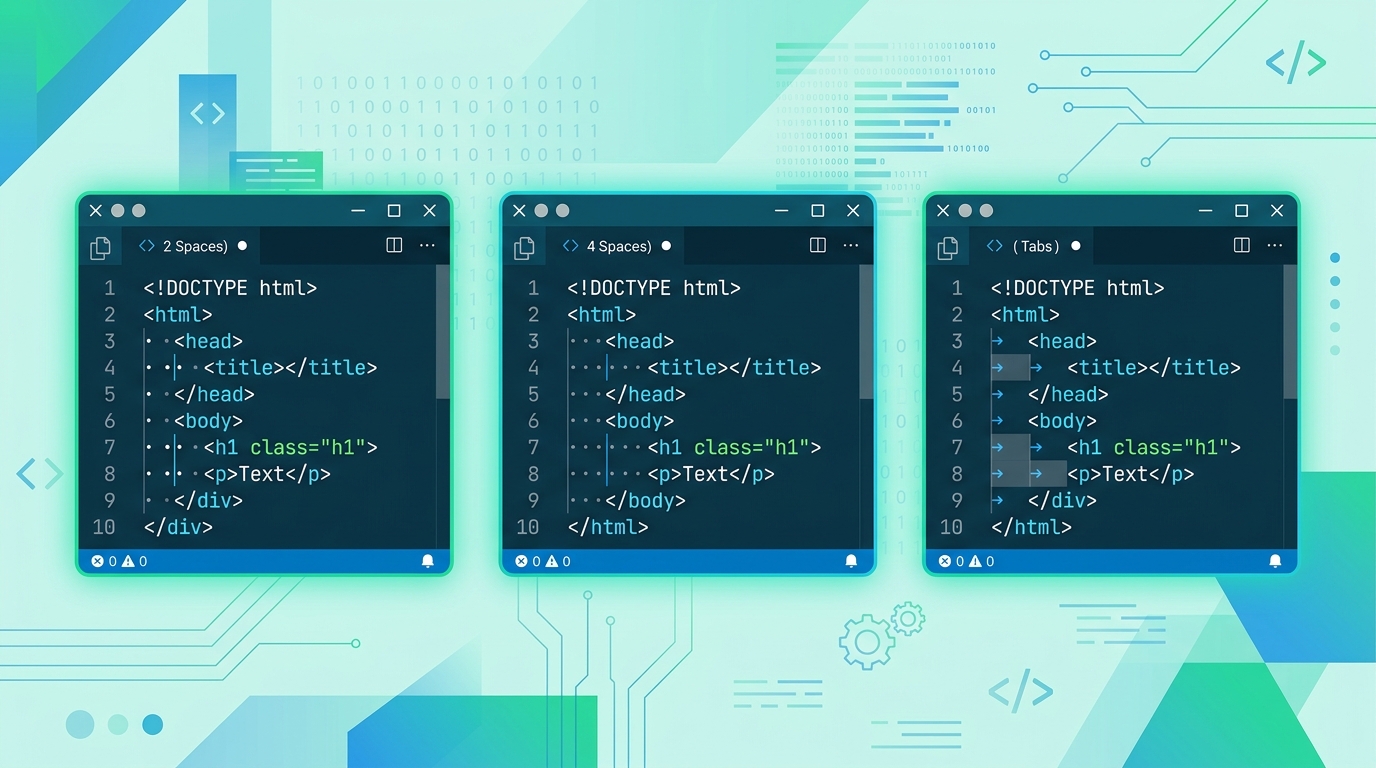
Few topics ignite developer debates faster than indentation. Tabs vs. spaces is practically a personality test in tech culture. But I'm not interested in the culture war — I'm interested in what actually works best for HTML specifically, based on practical evidence.
Let me share what I've observed after reviewing hundreds of codebases, and give you a framework for making the right choice for your own projects.
Why HTML Is Different From Other Languages
The indentation debate in Python or JavaScript looks different than in HTML. Here's why HTML is a special case:
- HTML nests extremely deeply. A typical structure is:
html → body → main → section → article → div → p— that's 6 levels before you even write content. At 4 spaces per level, you're already 24 characters indented. - HTML has no logical blocks. Languages like Python use indentation as syntax. HTML doesn't — indentation is purely cosmetic.
- HTML mixes content and structure. Inline text content and structural tags live on the same lines, creating visual tension when indentation is too wide.
The Case for 2 Spaces
My personal default for HTML is 2 spaces. Here's why:
At 6 levels of nesting (common in real-world layouts), 2-space indentation puts you at column 12. With 4 spaces, you're at column 24. If you have any inline content on that line, you're already halfway across an 80-column terminal.
Google's HTML/CSS Style Guide specifies 2 spaces. Airbnb's guide specifies 2 spaces. The Bootstrap source uses 2 spaces. There's a reason frontend-heavy projects tend toward 2 spaces — HTML nesting depth makes wider indentation painful in practice.
The Case for 4 Spaces
4 spaces is the traditional standard, dominant in:
- PHP projects (where HTML is often embedded in PHP templates)
- Django/Jinja templates
- Classic server-rendered applications
The argument for 4 spaces is readability at the cost of horizontal space. Each nesting level is visually distinct. Some developers find 2-space indentation too subtle — especially when skimming a long file quickly.
If your team is primarily backend developers working in PHP, Python, or Java (where 4 spaces is common), using 4 spaces in HTML maintains consistency across the stack. Context matters.
The Case for Tabs
Tabs have a genuine advantage that the spaces camp rarely acknowledges: accessibility.
Users who rely on braille displays and screen readers often configure tab width to their preference — some use narrow tabs, others wide. Tab characters let each developer and tool render indentation at their preferred width without changing the source file. This is a real, non-trivial benefit.
Tabs also make indentation changes trivial — pressing Tab once is faster than pressing Space 2 or 4 times, even with smart indentation in modern editors.
The main argument against tabs: inconsistent rendering across tools. A tab is 4 characters in some editors, 8 in others, and this inconsistency can cause visual confusion in mixed-team environments.
What the Numbers Say
Looking at popular GitHub repositories and developer surveys:
- In the 2023 Stack Overflow Developer Survey, spaces beat tabs overall (~68% vs ~32%)
- Among frontend developers specifically, the split is closer to 72% spaces
- Of space-users, approximately 60% prefer 2 spaces for HTML, vs. 40% for 4
My Actual Recommendation
Here's the framework I use:
- Solo project: 2 spaces. Easier to read on laptops and smaller monitors.
- Team project: Whatever the team already uses. Consistency beats correctness.
- Open source project: Match the existing style. Run a formatter with the project's
.editorconfigsettings. - New team project with no existing standard: Vote on 2 spaces and use
.editorconfigto enforce it automatically.
The most important rule is not which style you choose, but that you choose one and enforce it consistently. A codebase with mixed indentation is worse than any consistent choice.
How to Quickly Reformat HTML to Your Preferred Style
Whatever you choose, our HTML Beautifier lets you set your preferred indentation size before formatting. You can instantly convert any HTML file to 2 spaces, 4 spaces, or tabs with a single click — no manual reformatting needed.
If you're starting a new project, also consider adding a .editorconfig file to enforce the standard across all editors automatically:
[*.html]
indent_style = space
indent_size = 2
Key Takeaways
- 2 spaces is the pragmatic choice for HTML — HTML nests too deeply for 4 spaces to be comfortable
- 4 spaces makes sense in backend-heavy teams where it's the stack-wide standard
- Tabs have real accessibility benefits that the spaces camp undervalues
- Consistency matters more than which style you pick
- Use HTMLify's Beautifier to instantly convert any HTML to your preferred indentation style